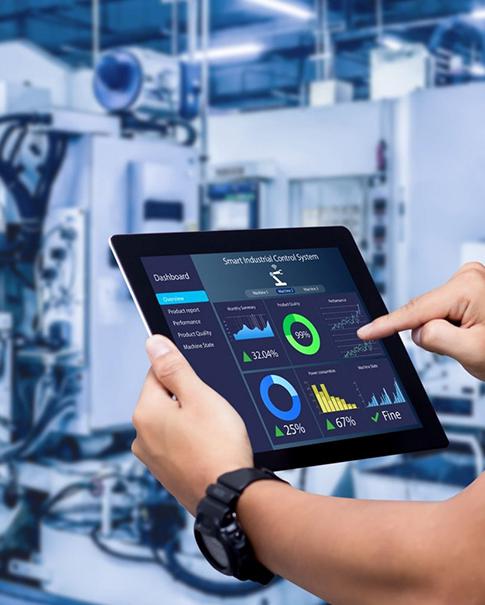
When choosing a face recognition access control terminal, first select it based on the entrance workflow and then the screen size. Even though a larger screen gives more space to the interface, the recognition accuracy, database size and weather resistance are not determined by this feature. When being an overseas distributor / system integrator, it is useful to compare how a terminal fits into a door opening, how users will interact with it and what software will be running on it.
Uniwin-Global offers WO501, WO701 and WO801 face recognition access control terminals with 5-inch, 7-inch and 8-inch screens respectively. Start with these size options, then request the specification and sample configuration for the exact model. Screen size is one part of that decision.
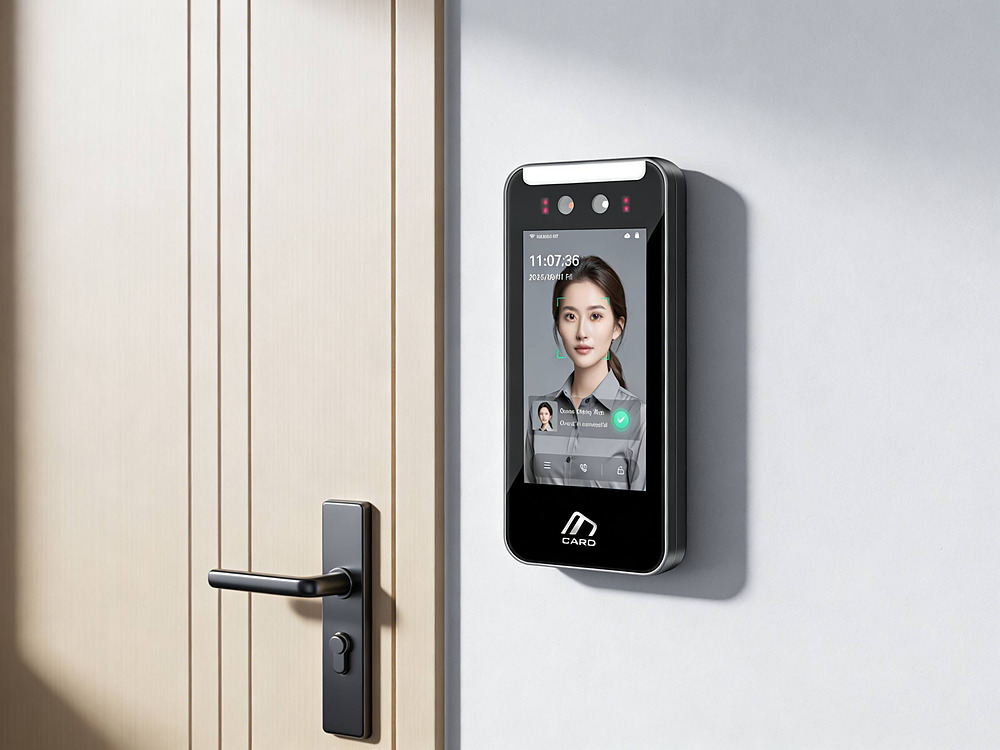
Start with the Entrance and User Workflow
A staff entrance and a reception for visitors create different demands on your front-end display. Employees only need to be recognized for their work, while visitors need guidance and help to proceed to their next step. Describe the sequence of actions for a visitor from entering the front-end area to entering the work area before you start thinking about display size.
Mark the position of the door, the approach path and the possible fixing surface. Is the user stopping right in front of the terminal or coming in from the side? What looks fine on a product shot could be too narrow to fit next to a door frame.
Viewing information and interacting with information must be kept separate. Viewing a status message is different from viewing and filling out information and viewing and clicking through a menu. Request a demo of the application and not just a list of screen sizes and diagonal measurements. How will users read text, how much contrast is there between text and background, and how are the primary controls on the screen arranged?
Compare Face Recognition Access Control Terminal Sizes
WO501 and a Smaller Screen Format
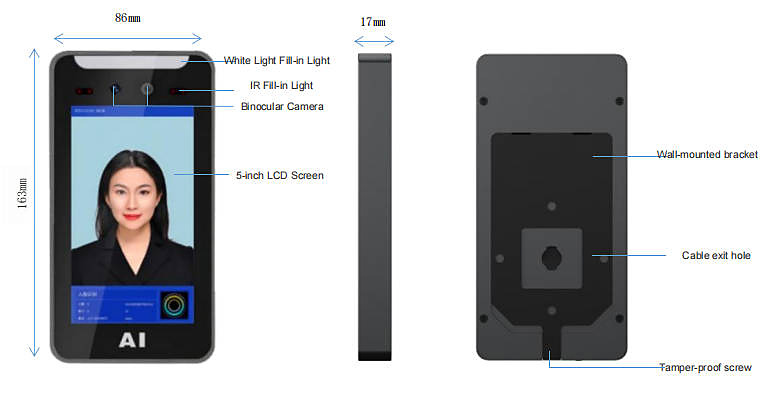
If you are looking at a face recognition terminal with a smaller screen the WO501 5-inch face recognition terminal is an option to evaluate. You should measure the complete enclosure and mounting bracket before approving the location as a 5-inch screen does not necessarily relate to the overall size of the terminal for installation purposes.
WO501 is a binocular face recognition system combined with a wide dynamic camera. Face recognition verification, on-site face image collection and liveness detection etc. functions can be tested with the provided software and with the proposed installation position. The screen size measurement alone does not provide sufficient information on the actual performance at the entrance.
WO701 and WO801 for Larger Interface Requirements
The WO701 has a 7″ screen and the WO801 has an 8″ screen. These can be alternatives when more screen real estate is needed. Check the actual layout to see if a larger screen would just display smaller text.
Do not assume that a larger display of one model implies a larger face database or faster CPU. Get a separate specification for the proposed configuration. Similarly, get confirmation at model level for number of credentials supported, communication interfaces supported and environmental ratings.
Check More Than Screen Size
Camera Position and Lighting
Recognition depends on the camera receiving a usable face image. Check the camera position independently of the screen center when planning the installation. Users should be able to approach naturally without repeatedly leaning toward the device or searching for the correct position.
Wide dynamic imaging is used to handle extremely different image brightness areas. In addition to checking for situations such as strong backlighting, reflections and changing daylight, it is necessary to test the product at the intended installation location and under situations similar to the actual usage situations. For example, for WO501, test the wide dynamic binocular camera at the intended entrance of a site under various representative operating situations including those where different lighting conditions are changing.
Verify liveness detection functions during acceptance testing. Determine test cases with the supplier and record the specific settings for the different test cases. A function with a feature name does not automatically imply that all presentation attacks or difficult lighting situations are covered.
Software and Platform Integration
Our attendance and access control system is suitable for LAN or WAN network, can be managed via Web or WeChat mini-program. The system functions include personnel management, uploading door-opening records and exporting attendance data. Please confirm the required functions for your terminals and management platform before ordering.
Confirm what daily management interface is to be used for overseas deployment. The mini-program option may not be favored by all customers. Demonstrate access to Administrator Account, enrollment of users and export of records via the agreed interface and languages.
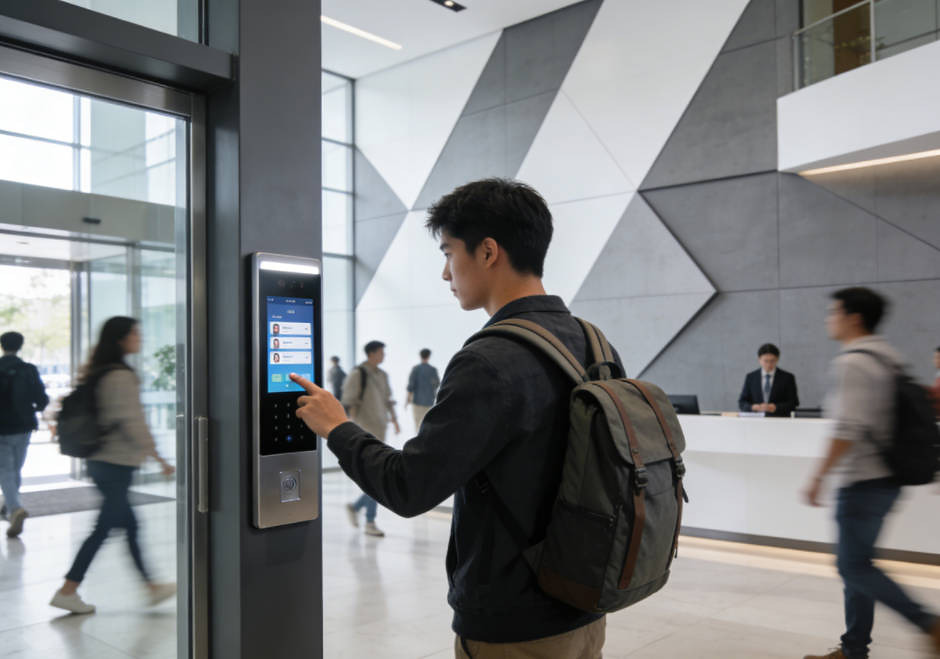
The system can support integration through MQTT, HTTP and WebSocket, depending on the selected configuration. Protocol names are only the starting point. Request the relevant documentation and confirm data fields, authentication, event handling and error responses. Test the required workflow with the selected face recognition attendance terminals rather than assuming every configuration behaves identically.
What to Verify During Sample Testing
Readability and Physical Fit
Mount the test sample in the intended location, or create a mock-up to test. Check for clearance of the enclosure, for suitable routing of cables, and for access to brackets etc. Test with the screen set to the intended content. View from the locations and at the angles from where the user will be standing.
Test normal entry process with users of different heights. Record problems such as unreadable messages or invisible controls. Here one has to distinguish between a too sharped angle of view which can be fixed by changing the mount and confusing instructions which can be fixed by changing the software.
Recognition and Record Handling
Test enrollment, authorized entry and denied-entry scenarios with agreed test users in various lighting setups to verify what the user sees when recognition fails. This allows for establishment of the project’s acceptance criteria prior to committing to a larger order.
Follow an access event to the management platform. Verify the user ID, timestamp and export format against the customer requirements. Test behavior on supplier side during a network failure and after network recovery. Offline usage or automated recording of missed events in case of failure is not to be assumed and has to be specifically tested for the configured scenario.
Prepare an OEM or SKD Procurement Brief
Uniwin-Global is a manufacturer offering products in the form of SKD, OEM, ODM as well as finished goods. We can specify which tasks you need to complete and which we complete as a manufacturer. The needs of a distributor purchasing pre-configured terminals will be different from those of an integrator writing his own application or assembling a product to be sold under his own brand name.
When inquiring about a custom screen, please make sure to clearly outline the screen options you are looking at, the installation constraints, and the necessary software workflow. Outline the specific mounting constraints and integration requirements as well as the sample acceptance criteria. Also, please confirm the customization scope, order quantity, and the corresponding delivery time for the specific custom configuration.
Conclusion
A suitable face recognition access control terminal contains more than a good camera. Also the human interface, the installation and the general operation on a terminal have to fit. After verifying the screen size of WO501, WO701 and WO801, the remaining requirements have to be checked on the respective terminal and with the respective software version.
We would like to see a drawing of your proposed entrance layout and how you anticipate your workflow will function. Uniwin-Global can then discuss with you the best combination of screens for your needs and arrange sample checks prior to specification being finalized for your project.
FAQ
Q: Does a larger screen improve face recognition accuracy?
Screen size refers to the screen display and not to the recognition performance. A test of the camera, lighting, positioning of the terminal as well as the recognition system must take place. A bigger screen only helps to show the user more information on the interface. The buyer must test the recognition on the exact terminal and software under representative site conditions.
Q: How should I compare WO501, WO701 and WO801?
Confirm the screen size for each model i.e. WO501 = 5 inches, WO701 = 7 inches and WO801 = 8 inches. Compare the dimensions of the proposed enclosures, mounting requirements and proposed interfaces on sample products. Confirm model specific details as opposed to simply transferring functions and capacity figures from the WO501 model to the larger screen models.
Q: What should an overseas buyer check in the management software?
Test the Admin Interface, the enrollment process and the access to the exports of records of access with your end users. Test also the language requirements of your app and if you need to release a Web Version or a Mini-Program Version. Test the integration with any other platform you need to connect with: check the docs for the integration and test the main events of your app. Test also how your app behaves in case of communication failures and how it recovers from them.
Q: What information should I send for an OEM or SKD inquiry?
Please provide the intended application and all related screen options and installation constraints, as well as software and integration requirements. Also, please provide the contact person for the assembly, the application development and the acceptance test. The expected order quantity as well as the requested delivery schedule have to be provided in order for the supplier to check the proposed configuration for feasibility and to assign responsibilities.