
A villa intercom system needs to be designed around the normal movement of residents, visitors and security events on the property. The outdoor station identifies the visitor, the indoor monitor gives the resident a view and a way to talk to the visitor, and connected cameras and alarm sensors extend coverage beyond the entrance. Designing the system around these relationships rather than individual products is the key.
Villa intercom systems are part of Uniwin-Global’s SIP intercom solutions. The solution allows an indoor station to connect to up to eight visual doorbells or standard IPC cameras. One doorbell can call multiple indoor stations. Eight channels of wired defense-zone access are supported. The model and wiring for the project must be confirmed before ordering.
Start with the Property Layout
Mark out the entrance, the gates, the building, the service entrance and the rooms that you want to be able to monitor internally. Plot the distances between these points and consider where you will run your network and power cables. This simple plan will help you to clearly distinguish between visitor communication and wider security monitoring.
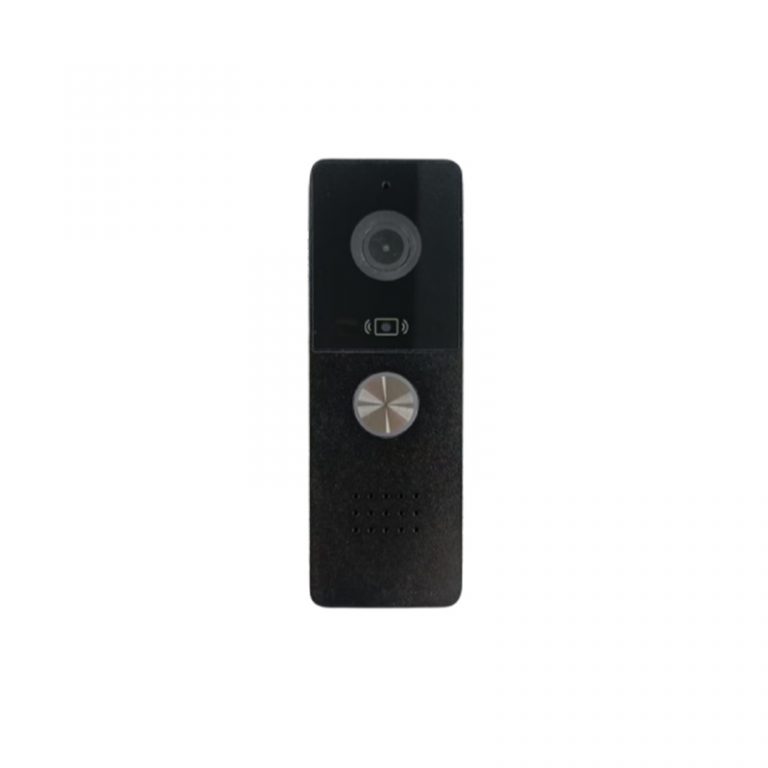
A video doorbell or outdoor station may be required for the main entrance. A further call point may be required for the side gate. Within the villa residents may wish for the call to be picked up by more than one monitor. The solution supports a single doorbell alerting multiple indoor units. It is important to establish the number and locations of the residents’ monitors as early as possible.
All cameras on a site don’t necessarily belong to the intercom system. Determine if a particular device requires two-way conversation, simply supplies video monitoring or triggers an alarm. This makes the list of equipment so much easier to test.
Plan the Indoor Monitor Around Daily Use
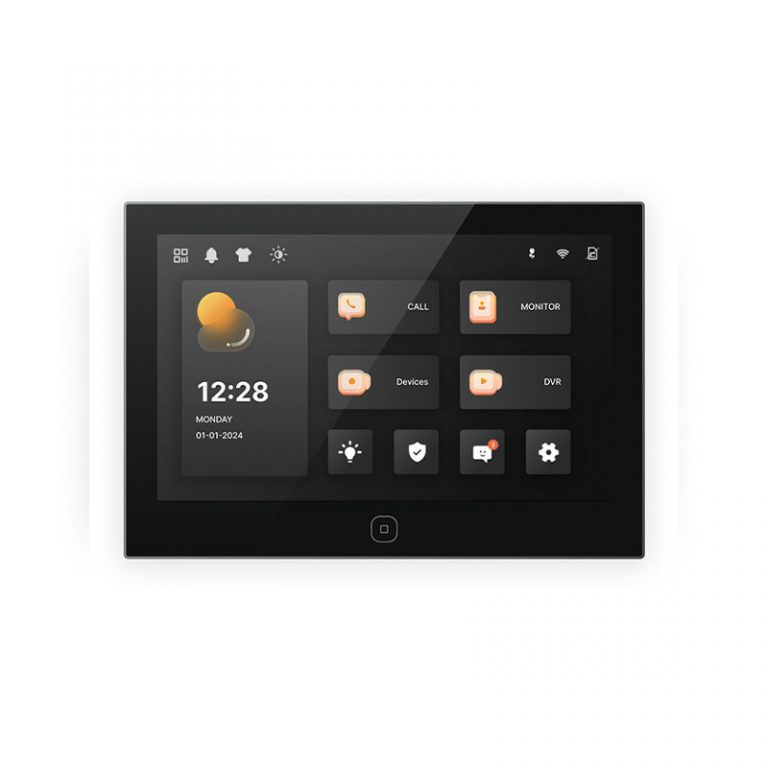
Place the indoor monitor where residents can easily answer a call, see a visitor and open the door. For multi-floor coverage, check which indoor units need to receive the call and whether all indoor units need the same unlock and monitoring functions.
The villa solution can support preview of single channels as well as of multiple channels. In case a resident wants to check the gate, the doorbell camera and other cameras before opening the door, the appropriate interface has to be tested for the display intended to be used as well as for the corresponding camera setup. The number of connected views greatly affects the daily work with the solution.
Remote opening is another requirement to specify. Does the resident unlock from the indoor monitor, the outdoor station or a connected application? The corresponding acceptance test needs to record who did unlock, which entrance opened and what happened in case of a loss of the network connection.
Match the Doorbell to the Indoor Monitor
Test the doorbell and the indoor monitor together. A resident needs to see, speak to and then open the door to a caller. Where a house has multiple call points define the call priority and screen behavior for simultaneous calls arriving close together.
The solution supports two-way audio and video and remote door opening for the outdoor device from the indoor unit or through an application-based workflow. This needs to be included in the acceptance test list rather than assuming it from the video screen.
Larger properties require confirmation of the roles of all indoor units. While the main reception could operate from one monitor, upper floors or separate service areas can also be covered by additional monitors. Can all indoor monitors preview the same set of cameras, answer calls and unlock the same entrance? Defining the roles and responsibilities of all indoor units prior to installation and handover helps to avoid confusion.
Consider the handling of visitors who arrive when no resident is available to answer their call. A missed call log, video message or local security response may be required. This will depend upon the software chosen and the owner’s property operating strategy. Test the unanswered-call path as well as a successful call to see what the visitor will experience and what back-up information will be available to staff later.
Use Cameras for More Than the Front Door
This villa intercom system supports up to eight visual doorbells or standard IPC cameras connected to the indoor unit. This means that in addition to the main entrance, a project can also cover other areas of the property but the camera plan needs to reflect the true blind spots of the property.
Look at the areas around the vehicle gate, pedestrian gate, garage approach, rear entrance and delivery areas. Check on the viewing direction and night time lighting required. Does the camera need two-way conversation? A simple camera count does not provide an accurate indication of the coverage offered by the layout.
The indoor station can monitor multiple doorbell stations. The indoor unit supports motion detection, human detection and photo/video recording functions. Define which events trigger recording, how long recorded media is stored and who has access to it. These settings should be captured in the project’s acceptance test.
Design the Eight Wired Defense Zones
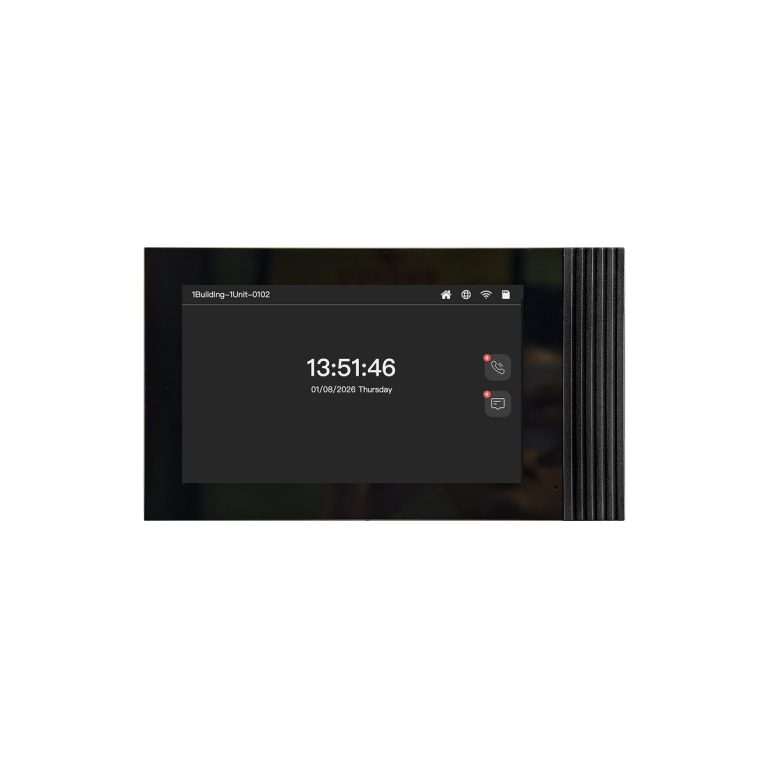
The solution supports fire and security alarm access through eight wired defense zones. Before selecting the wiring, list the sensors that the villa actually uses. A zone might be assigned to a door contact, window contact or another approved alarm input, subject to the final system design.
Develop a zone schedule for the sensors including sensor name, location, cable routing and expected alarm action. This avoids a commissioning problem in which the hardware is connected but the management screen does not show which area triggered.
Also define how an alarm appears to residents. Should the indoor monitor show a visual message, sound an alert, start a recording or allow an authorized user to acknowledge the event? The available response depends on the selected configuration and must be confirmed during integration testing.
Consider POE and Network Planning
The video doorbell and indoor unit at the villa solution support POE power supply. While POE-enabled networking can make installation easier by using less cabling, it is essential to check switch capacity, cable runs and the overall power budget for the chosen equipment.
Make a separate plan for the network and for the intercom user experience. Outline the IP addresses, internet connection, local operation and remote management needs for the project. If you are working with a third-party platform, get the exact scope of integration for your project, rather than assuming that all cameras and monitors connect in the same way.
Sample Testing Before Installation
Fully test the entire end-to-end path using sample configurations of doorbells, indoor monitors and IPC cameras. Test calling one and then multiple indoor units. Test two-way audio and video. Test remote unlocking of a door. Test single-channel and multi-channel preview modes. Test the behavior of the “atmosphere” light if that option is enabled for the selected endpoint configuration.
For each wired defense zone, trigger it one after another. On the indoor monitor, check the location which is alerted as well as the response that has been set for that zone. Also, test whether or not motion/human detection correctly works in the area where the monitor is placed. This should also be tested in the camera viewing area during changing daylight and nighttime conditions.
Unplug the network connection and plug it back in again. Make a note of which functions are still available locally and how the system behaves after reconnecting to the network. This kind of information is far more useful to a buyer than a list of features included in a system. Record the date of the test, the versions of the devices used and the wiring configuration. A repeatable test record can then be used by the installer to compare a replacement product or later extension with the original approved installation. The property owner then has a clear reference for handover to later service providers and for later extension of the system during the lifetime of the property, for example for routine commissioning.
Work with an OEM or ODM Partner
Villa projects may require special enclosures, customized screen solutions, customer logos or application workflows. Uniwin-Global can discuss OEM, ODM, SKD, customized-product and finished-goods cooperation. The inquiry should indicate the number of entry points, indoor monitors, cameras and defense zones as well as the software functions required.
Provide the supplier with a layout drawing and sample acceptance list so the proposed configuration, wiring responsibilities and production plan can be reviewed clearly.
Conclusion
By planning the outdoor call point, indoor monitor, cameras and 8 wired defense zones of a villa intercom system as one property workflow, you can create a workable solution for the property. Start by defining the layout and the communication and monitoring roles of the devices. Then check POE, confirm alarm behavior and test the sample system for a defined period before installation.
Please share your villa plan and device list with Uniwin-Global so the intercom configuration and sample acceptance plan can be reviewed.
FAQ
Q: How many cameras can the villa intercom solution connect?
The solution supports an indoor unit connected to up to eight visual doorbells or standard IPC cameras. This will depend on the specific model chosen, the wiring solution designed and the software configured.
Q: Can one doorbell call several indoor monitors?
Yes. This solution for a villa enables one doorbell to call multiple indoor units. Test which monitors ring, how residents answer a call from the doorbell and which units can unlock remotely.
Q: How many wired alarm zones are supported?
The solution supports eight-channel wired defense-zone access for fire and security alarms. As part of the commissioning process the project team should assign the relevant sensors and verify the alarm display and response for each zone.
Q: Does the system support POE?
The video doorbell and the indoor unit support POE power supply. Verify the switch rating, the cable type and the exact POE requirements for the chosen devices.