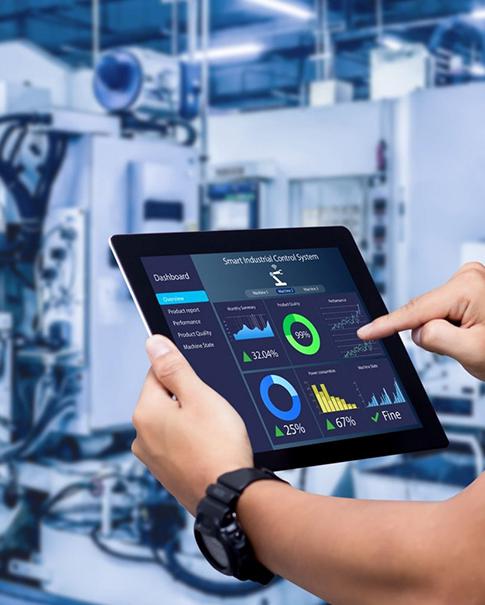
Here are some of the things you should consider when deciding between Android and Linux embedded boards as part of your access control project: What software runs on the product? Who maintains it? An Android board can also be used as a touchscreen terminal for an Android-based application if the required display and touch functions are supported. If you have a product where your Linux team takes care of the software stack and update process, great! No OS label guarantees that a camera, reader, relay, display or cloud service will operate. This would require buyers to check the board configuration, system image and driver availability on a sample.
Uniwin-Global develops embedded motherboard platforms and smart terminal solutions for OEM/ODM & system integration projects. Currently, we have Android- and Linux-based motherboards. This guide outlines a value-based approach that product teams can use to compare boards before design is frozen or an order is placed for manufacturing.
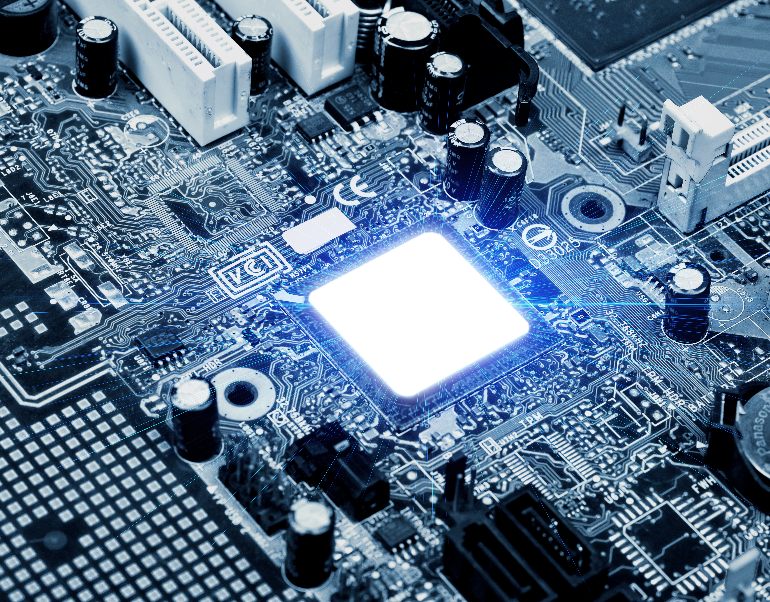
Compare Android vs Linux Embedded Boards by Project Requirements
The OS is just one part of the product. List terminal user flows: enrollment, identity checks, door release, attendance records, intercom, administration and third-party connections. Then, narrow down what features reside on-device versus those that a server or management platform should have. This prevents a software preference from becoming a hardware assumption.
Use the comparison below to organize a first technical review. It is a screening tool, not a claim that every Android or Linux board has the same capabilities.
|
Review area |
Android questions |
Linux questions |
|---|---|---|
|
Application |
Does the target application run on the supplied Android version? |
Does the target software support the supplied distribution and image? |
|
Peripherals |
Are drivers and APIs available for every required device? |
Are the needed drivers, services, and interfaces supported? |
|
Maintenance |
How are application and OS updates installed and tested? |
Who maintains the image, packages, recovery, and update process? |
|
Validation |
Can the full application flow run on the sample board? |
Can the production software build run on the sample board? |
When Android Fits an Access Control Project
Touchscreen Applications and Custom APIs
So, Android can be an excellent choice when the product needs a touch-based interface or app development tools already familiar to the project team. The board’s supported Android version, APIs that are available at runtime (as through a hardware abstraction layer), drivers and install/update mechanisms still inform the decision. Rather than relying on the operating-system name, ask for a genuine system image and a working sample.
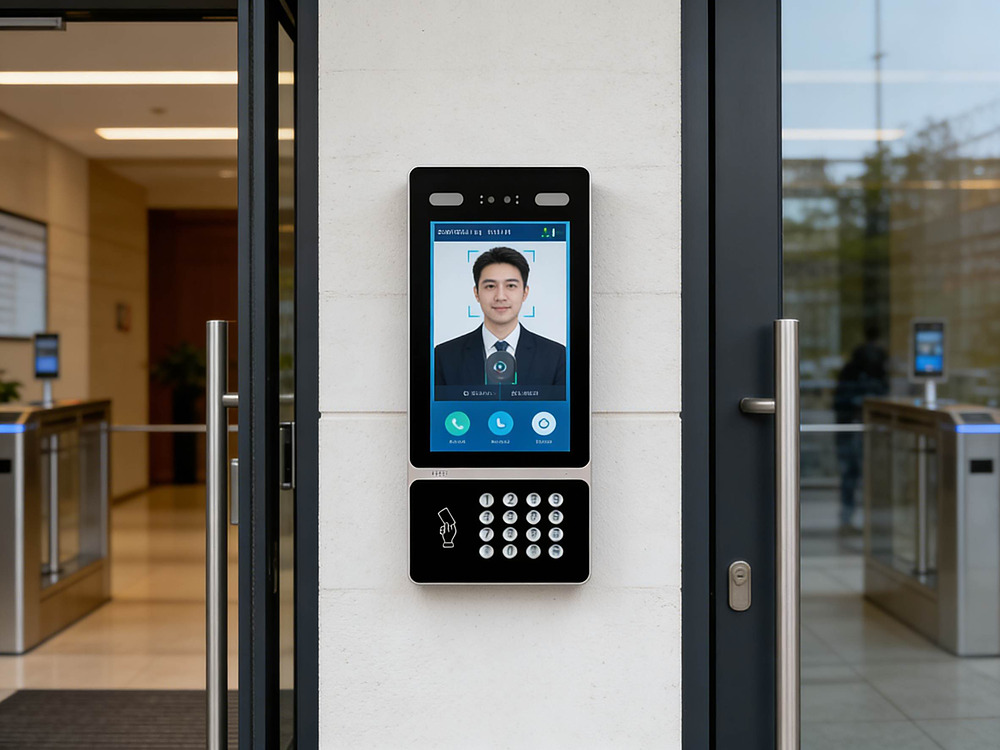
One integration example is a face-recognition access terminal, possibly integrating display and camera as one system along with door-control interface or management software. Every connection should have an owner and a test associated. Check where the app gets recognition results, how it requests a door action and what component will log this event. Those particulars come into play as to whether the board plus software equals a working system.
When Linux Fits an Access Control Project
Linux makes sense when your product software is built and supported in a Linux environment, or when an engineering team works on deploying Linux systems. Check the supported distribution and version, board support package options, and drivers for selected peripherals. The first thing you should do after an initial release is to ask who owns every layer?
Integration and Maintenance Requirements
The Linux selection should include an update and fall-back strategy. Check deployment of the system image, preserving configuration, validating an update, and what a service team does if a unit doesn’t start. These are project acceptance questions. Your answers should be targeted to the software image and board revision, rather than Linux in general.
The same is true for Android. Find out OS image details, application package and required permissions to run on boot up and update schedule. When a project has its own API / service, ask for a working example and find out which versions will be supported. In either case, specify who is responsible for product defects and whom to contact when problems occur.
Compare Drivers, Displays, Cameras, and Interfaces
Peripheral compatibility is where the OS decision and physical product meet. Make a list of everything required for display interface, camera, card reader, relay, network connection and serial devices. Go through them and look for connector/protocol/driver/service dependencies, along with their expected behavior. Lastly, test end to end from input through the application to the door-control output.
One example from our own range is the M588 RK3588 motherboard. Product specifications include Android 12, support for Android/Linux, LVDS, MIPI, eDP, HDMI, Ethernet, Wi-Fi and Bluetooth. It also provides HDMI-IN, dual-channel eDP output, nine USB ports and seven serial ports (configurable as RS232 and RS485). These are M588-specific specifications, and should not be used as a spec for other boards in that range.
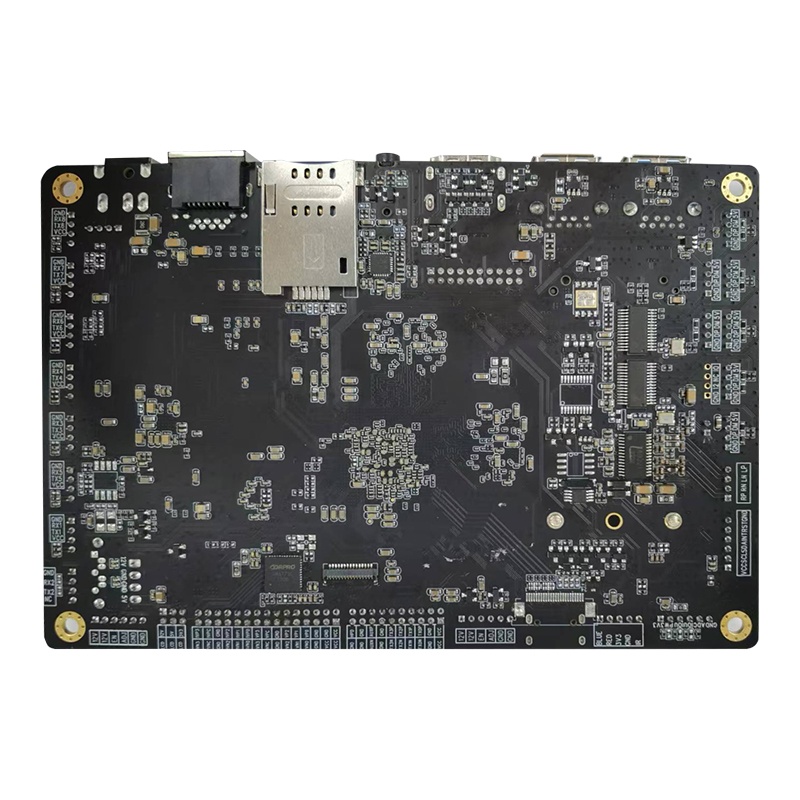
Compare the M588 RK3588 motherboard‘s listed interfaces with the required displays and peripherals. The listed OS options do not mean every peripheral is fully supported on each OS image. Get written confirmation from the supplier about the board revision, OS image, supported interfaces and test scope.
Validate the Board Before an OEM Order
A straightforward validation plan can identify integration gaps before mechanical design or production timelines depend on them. Confirm end-to-end workflow instead of working on isolated components; test it on a sample very close to the real product.
Boot the agreed operating-system image and record its version and board revision.
Run the actual application on the target display and confirm startup, touch response, and recovery after restart.
Test each camera, reader, network connection, and door-control interface used by the design.
Verify event handling and data exchange with the intended management software or cloud service.
Document update, rollback, diagnostics, and ownership of ongoing software maintenance.
Such checks encompass an access-controlled entryway: terminal behavior, user interaction, network access and the door-control sequence all count. The sample review starts once the project team establishes pass/fail criteria, especially when considering an OEM application or third-party software as part of the system.
Plan the Configuration With Your Board Supplier
Advice – For OEM or ODM projects, let the provider know the use case before technical evaluation, OS preference and app state (at least a working build); display / camera requirements; interfaces, e.g. Wi-Fi/BT/sensors if needed; target deployment environment (industrial vs commercial). Find out who provides the application, who maintains the system image and what records will be needed for re-testing after sample approval. Hardware, software and production teams are supported by an up-to-date configuration record.
Uniwin-Global is an experienced supplier of embedded and smart-device products with support for OEM/ODM projects. We use board families here as a reference point for buyers, but ultimately decisions are rooted in specific project requirements and preliminary sample results; note our focus is on the embedded Android/Linux motherboard.
Conclusion
Narrow down Android vs Linux embedded boards by application, engineering workflow, driver coverage and maintenance plan. Verify a configured sample with the complete access-management flow as the last step. This approach turns an OS-preference into a product decision ready for testing. Send the application and interface requirements to Uniwin-Global for a project configuration review.
FAQ
Q: Is Android or Linux better for access control?
A: Neither is universally better. When your product revolves around an app for Android, you might want to run it on a touchscreen device with Android. If you have a supported and maintained Linux software stack, Linux can work well for your team. Decide only after verifying the necessary apps, drivers and peripheral interfaces on the target board and confirming who is responsible for support.
Q: Can the same board support both operating systems?
A: The M588 for instance, supports both Android and Linux. Find out specifics on the OS image, board revision and drivers as well as peripheral behavior since multi-OS support does not ensure that every feature is available on both systems. You need to validate the image, board revision and driver/device behavior specific for your design; different OS options do not have the same coverage.
Q: What should buyers test on a sample board?
A: Validate the target image/application and then exercise all cameras, displays, readers, network connections and door-control interfaces in the design. Check startup and recovery after reboot, event processing and communication with the management platform as well. Establish pass/fail criteria in advance of testing and use the sample result as a basis to configure production.
Q: What information should an OEM buyer provide?
A: Provide use cases, OS of choice (Android or Linux), app status, required protocols, display/camera needs, interfaces, deployment environment and production/support expectations. Determine who is responsible for the OS image and application. This helps the vendor to suggest a form, and then provide an instance of what is being built.