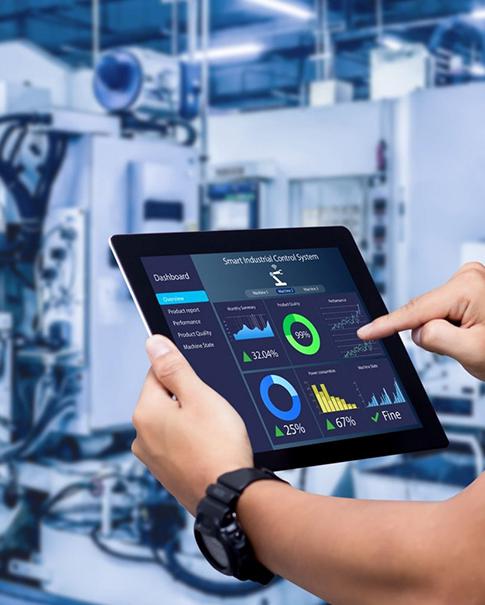
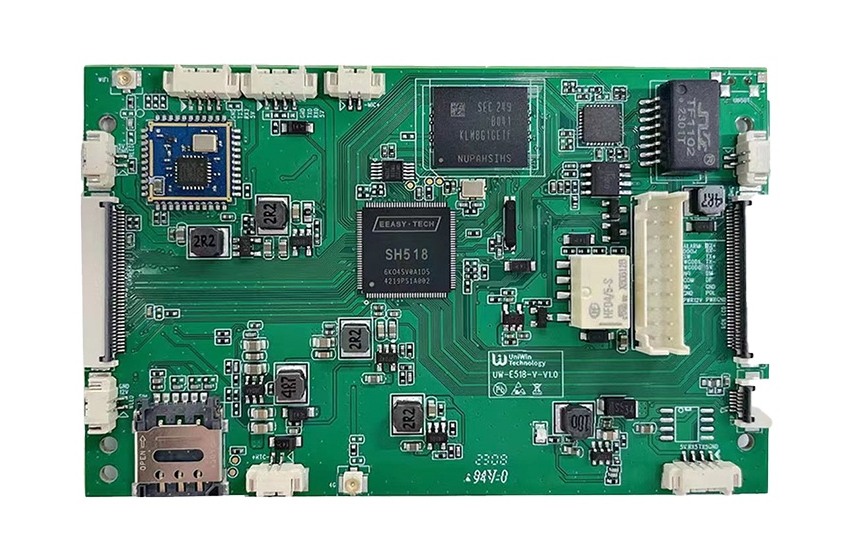
An E518-V face recognition motherboard integration should define how a credential becomes an access decision, how that decision reaches the door, and how administrators manage the system. Uniwin-Global supplies the EeasyTech SH518 E518-V for dynamic face-recognition projects, with support for a face database of up to 5,000 records. The board also supports relay and Wiegand input and output, alongside HTTP, WebSocket, and MQTT integration. These capabilities form a development platform; the finished access controller still needs matched peripherals, software, wiring, and acceptance tests.
Our E518-V face recognition motherboard supports face, card, password, and fingerprint access methods. Confirm the peripherals and software configuration required for each method. A supported authentication option does not mean that its reader, sensor, or user interface is included in every board order.
Define the E518-V face recognition motherboard role
Start with a simple system diagram. Show the credential input, access decision, door-control path, management connection, and operator interface. Identify which functions belong to the board, application, external controller, or platform. This is especially useful when an OEM develops the enclosure and interface while an integrator supplies door hardware and site management.
Credentials: required methods, enrollment process, user removal, and the approved fallback.
Door control: relay or controller arrangement, Wiegand direction, and responsibility for wiring.
Management: selected protocol, account permissions, remote-opening workflow, and integration ownership.
Acceptance: quoted configuration, test environment, expected responses, and unresolved requirements.
Keep the diagram specific to the proposed product. An office access device, a campus entrance, and a custom attendance terminal may share a motherboard while assigning different tasks to operators. The same hardware feature can require different application logic and supporting equipment in each deployment.
Plan credentials and the face database together
The E518-V supports a face database of up to 5,000 records. Keep that figure separate from attendance logs, door events, and broader solution capacities. The database count does not establish the number of events retained, the speed of a complete transaction, or the capacity of a separate management platform. Confirm each requirement against the proposed configuration.
Enrollment should be part of the sample demonstration. Define who creates a user, who assigns access, and how records are changed or removed when authorization ends. For a system with several devices, agree on how the application manages distribution and updates. Do not assume that a capacity figure also describes synchronization behavior.
Identity and permission need separate test cases. For example, a recognized employee may be authorized at one entrance but excluded from another. Ask the development team to demonstrate that distinction with test accounts in the proposed application. Then withdraw one permission and repeat the attempt. The acceptance record should show which component evaluated the rule and whether the physical control path followed the intended result.
Card, password, fingerprint, and face access give a developer several possible interaction paths. Select only the methods needed by the project and identify the hardware for each one. Then define what happens when a check fails. A reception review or another approved credential may provide a fallback, depending on the customer requirements and the implemented configuration.
An attendance project also needs a clear distinction between identifying a person and deciding whether a record counts as attendance. That distinction belongs in the operating rules and software design. Review data access and retention requirements with the project owner before choosing which records the finished application will create or export.
Separate Wiegand communication from relay control
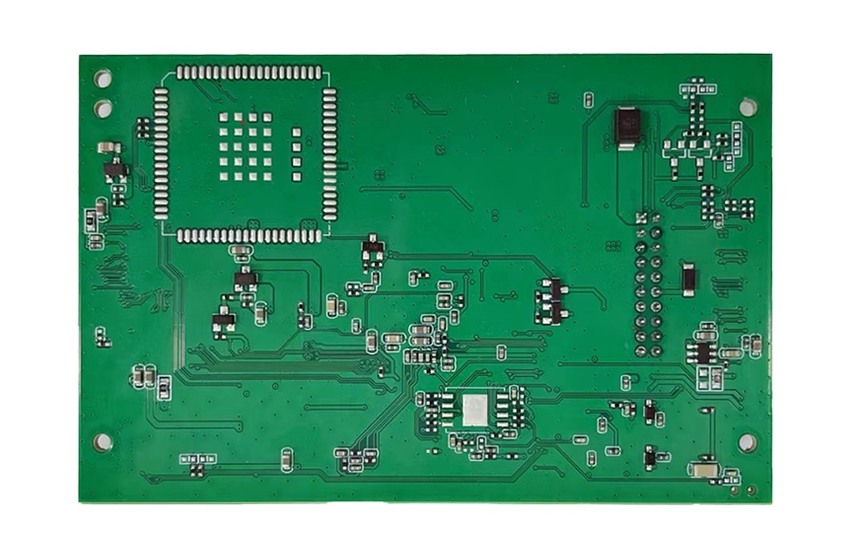
The E518-V supports relay and Wiegand input and output. A relay control path and a Wiegand data path do different jobs. Identify whether the proposed Wiegand connection receives credential data from a reader or sends data toward another controller. Direction matters when assigning equipment roles and deciding which component makes the final access decision.
For Wiegand integration, confirm the supported data format, electrical requirements, pinout, and expected behavior with the connected device. Agree on how the application interprets the received value and what it sends onward. A shared interface name is not enough if the two components expect different credential formats or controller roles.
A relay may participate in a door-release sequence, but its presence does not establish compatibility with every lock or power arrangement. Have the responsible installation team review the quoted relay specification, wiring, lock supply, and external controller where used. Connections involving emergency release or building safety functions should follow the approved site design.
Choose a management protocol around the workflow
HTTP, WebSocket, and MQTT provide different communication patterns for an integration. The choice should follow the application and management architecture. Agree on the actual request or message contract, account authorization, network path, error handling, and connection security for the implementation. Protocol support alone does not define those project details.
An HTTP integration needs agreed operations and responses. A WebSocket integration needs defined connection behavior and message handling. An MQTT integration needs a topic and message plan with the required broker configuration. These are development requirements to confirm for the supplied software package; they should not be inferred from the protocol names printed in a feature list.
Use a small set of agreed integration examples during development. Map a test identity to the value sent between the terminal and platform, then compare the received value with the expected account. Include an unknown value and a withdrawn account in the test set. Document the expected response for each case. This exposes mapping errors before a successful message exchange is mistaken for a correctly working access rule across the complete installation. Use test identities without exposing customer records.
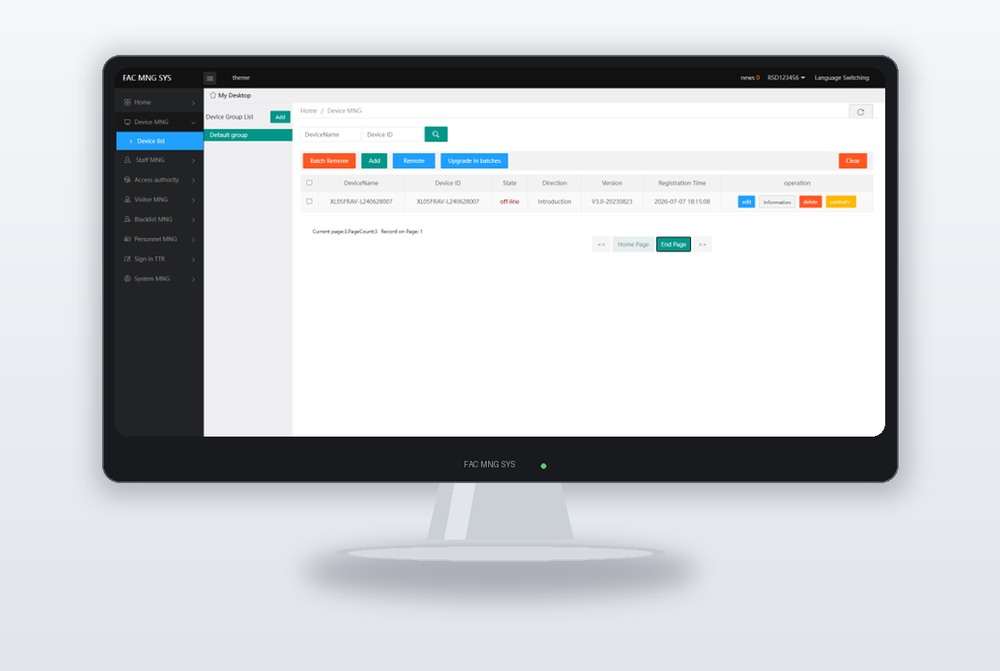
The attendance and access-control management platform is another part of the proposed system to review. Establish which enrollment, permissions, records, and administrative tasks belong there. Confirm its pairing with the E518-V application instead of assuming that every management function is available simply because the hardware and platform share a supplier.
Specify remote opening and connection failures
The E518-V supports mini-program remote door opening. Define who may request a release, which entrance the command addresses, and how the system presents the outcome to the operator. For an overseas project, evaluate the intended user interface and administrative process with the customer. The remote-opening method should suit the people who will actually manage the installation.
Loss of connectivity needs an explicit operating decision. Ask what the selected configuration does when a management connection is unavailable, when a command is delayed, or when the terminal restarts. Test those conditions. Do not assume offline authorization, event buffering, automatic resynchronization, or a particular door state unless the agreed implementation provides it.
Approve the complete controller before production
Uniwin-Global supports differentiated development across hardware, system software, applications, management platforms, and mini-programs. An OEM can use that scope to define a custom access product, but each development task needs an owner and an acceptance requirement. List the included board, peripherals, application build, interface documents, and installation information in the handover package.
Test enrollment, successful access, failed authentication, access withdrawal, and the chosen fallback. Where the project requires Wiegand or remote opening, exercise those paths with the intended connected equipment. Then repeat relevant checks after a restart and a planned network interruption. Keep the software version, wiring arrangement, observed result, and open issues with the approved sample.
Conclusion
The E518-V face recognition motherboard brings credential options, door-control interfaces, and management connectivity into an embedded development platform. A successful integration gives each capability a defined role in the finished controller. Match peripherals, document the data and control paths, and test the operator workflow before a volume order. Contact Uniwin-Global with your credential methods, door arrangement, and platform requirements to review the development scope.
FAQ
Q: Does the 5,000-record figure include attendance events?
The E518-V figure refers to its supported face database. It should not be used as an attendance-log or door-event limit. Identify the record types your project needs and obtain separate confirmation for storage, export, and retention behavior in the terminal application and management platform being quoted.
Q: Are fingerprint and card readers included with the board?
Support for an authentication method does not establish that its peripheral is included. Ask for an itemized hardware and software scope covering the reader or sensor, connection method, driver, and application behavior. Confirm the chosen components together during sample testing, including enrollment and the response to a failed check.
Q: Should an integrator use Wiegand or the relay connection?
Their roles differ. Wiegand carries credential-related data between compatible devices, while a relay can participate in a control sequence. The correct arrangement depends on which component makes the access decision and how the door hardware is controlled. Review direction, electrical requirements, wiring, and the approved installation design before connecting equipment.
Q: Does MQTT support guarantee compatibility with a cloud platform?
No. The parties still need an agreed broker configuration, message structure, topic plan, authorization method, and error behavior. Confirm the supported software interface for the quoted E518-V configuration, then test it against the actual platform. A protocol name alone cannot establish application-level compatibility or the behavior during a connection failure.