A face recognition locker system should be evaluated based on storage workflow requirements, authentication methods, locker management functions, and operational efficiency rather than facial recognition capability alone. Operators need to match user volume, locker assignment, authentication fallbacks, remote administration, environmental exposure, and charging rules to the facility. For a shopping mall, tourist attraction, or fitness center, the right system must make item storage and retrieval simple while giving staff clear control over exceptions.
Uniwin-Global’s WR711 is designed for intelligent locker applications in high-traffic public spaces. Its 7-inch interface, biometric and alternative authentication methods, scalable biometric template capacity, remote management functions, and flexible charging modes provide a practical foundation for shared storage.
What a Face Recognition Locker System Must Manage
Identity Verification at the Locker
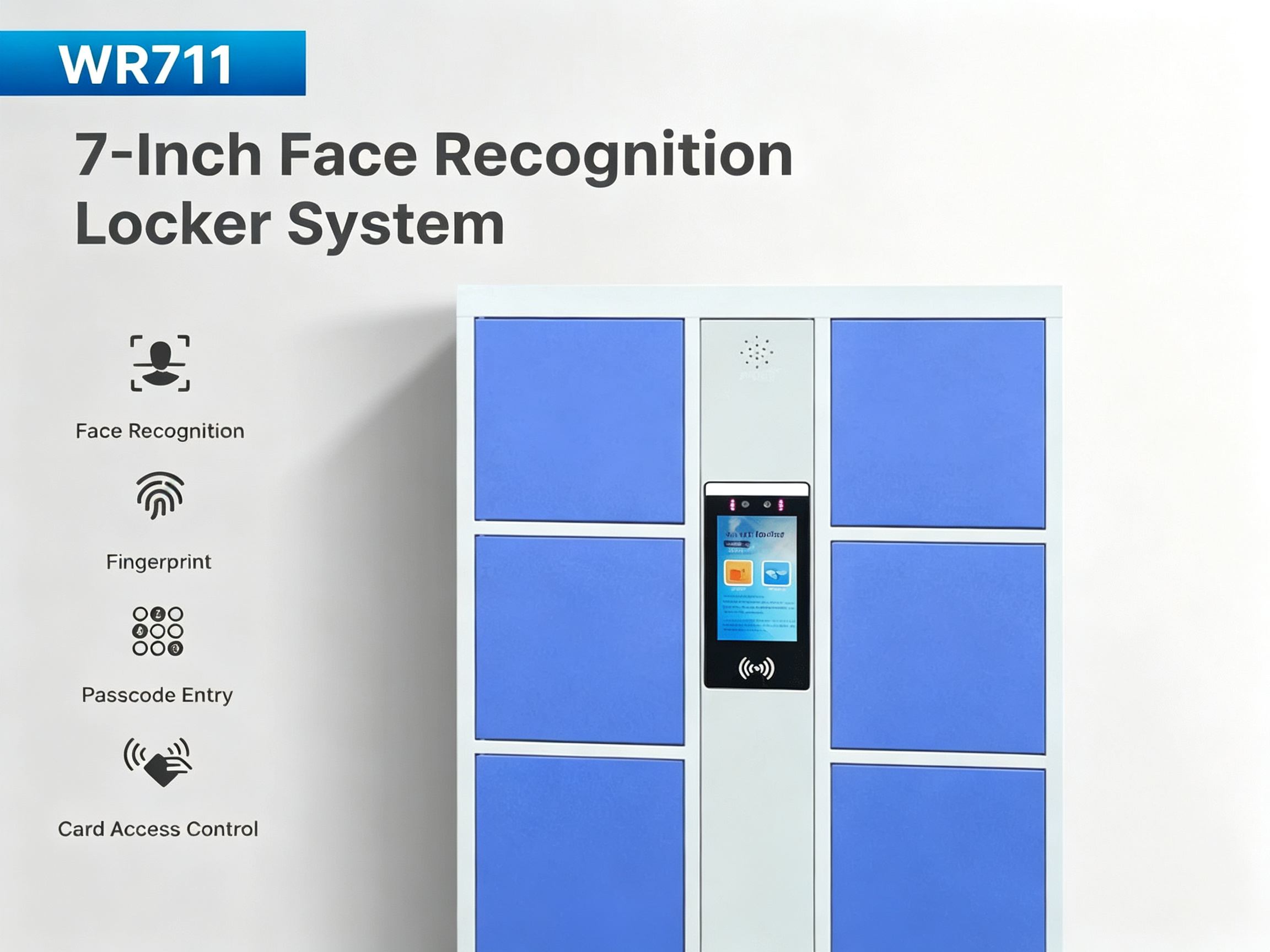
A smart locker terminal requires reliable authentication and access control capabilities beyond image capture. WR711 supports facial recognition, fingerprint, QR code, password, and IC/ID card authentication, so operators can create a primary method and retain alternatives for visitors, members, or users experiencing temporary facial recognition difficulties.
Locker Assignment and Retrieval
Public lockers often involve temporary users, repeat visits, and shared operating rules. WR711 supports multiple locker compartments assigned to one user. These functions help separate the identity of the user from the physical compartment, which is important when a person needs more than one locker or retrieves items before the original process is complete.
Core Specifications for Smart Locker Access Control
Facial Template Capacity and Event Record Storage
WR711 supports up to 5,000 enrolled face users, expandable to 20,000 users, with storage for up to 200,000 access records.
Camera, Display, and Recognition Conditions
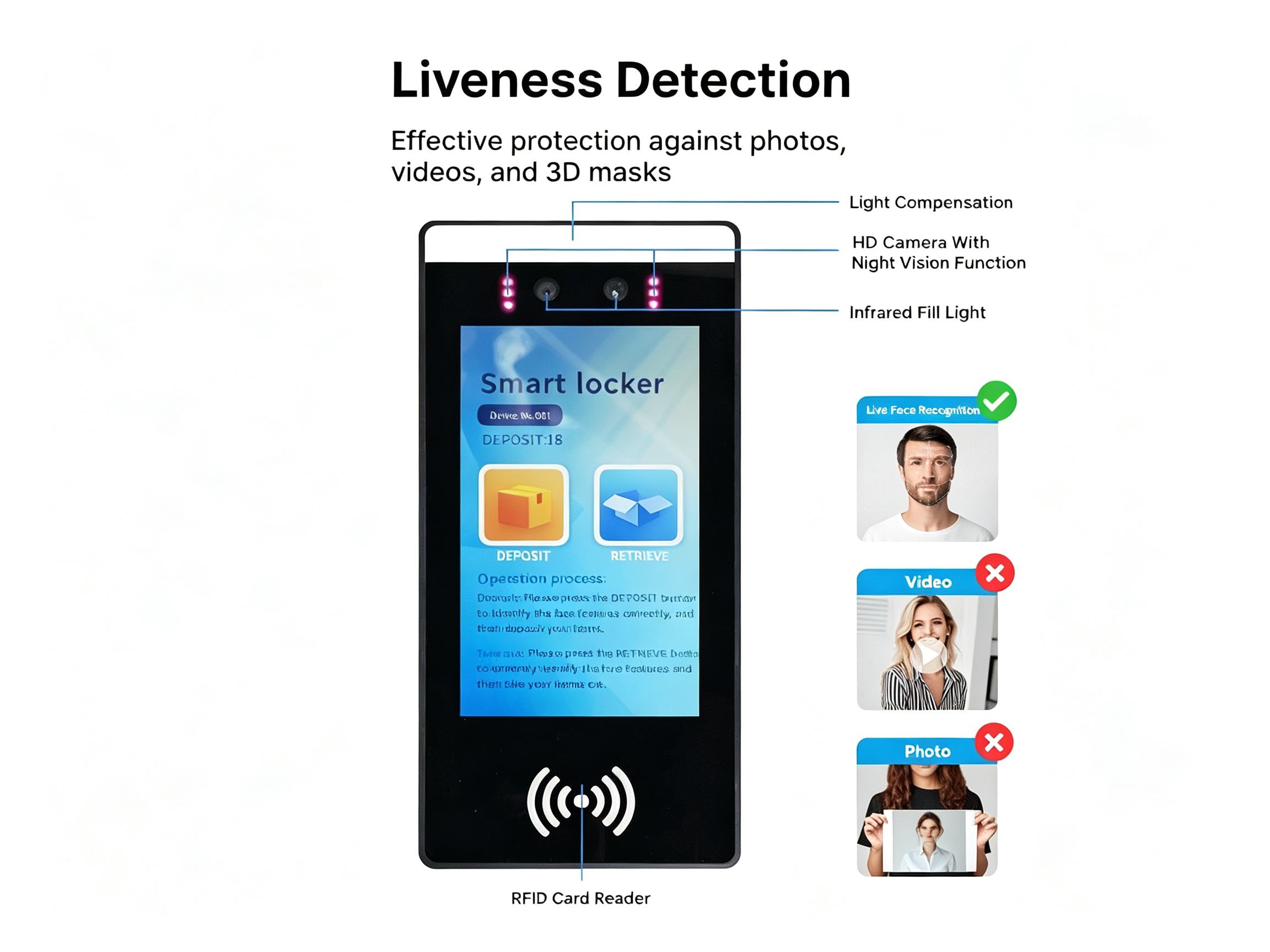
The terminal uses a 7-inch IPS LCD with 1024 × 600 resolution and a dual-lens wide-dynamic camera. The specification lists dual 2 MP cameras, F2.2 aperture, LED and infrared illumination for improved recognition performance in low-light environments, and a 50–150 cm recognition distance. These features help maintain a stable facial recognition distance and improve user interaction consistency.
Connectivity and Local Operation
WR711 runs Linux and provides Ethernet, 2.4 GHz Wi-Fi, and optional 4G. A fixed network can support stable management at a permanent venue, while wireless or cellular connectivity may simplify a retrofit. The selected network should reflect how the operator will assign lockers, open compartments, review access events, and maintain the system remotely.
How WR711 Supports Public-Space Locker Workflows
Remote Single-Door and Batch Management
Remote management can reduce routine service work when many compartments are distributed across a venue. WR711 supports single-door unlocking and batch locker opening and reset operations. Staff can therefore resolve an individual exception or prepare a larger group of lockers without treating every compartment as a separate manual task.
Flexible Locker Numbering and Expansion
The system supports customizable locker numbers and flexible expansion with multiple boards.
Time-Based or Usage-Based Billing
WR711 supports time-based rental billing and per-use payment models. Time-based operation may fit facilities where a locker is rented for a defined period, while per-use charging may suit shorter visits.
Matching the System to Different Applications
Shopping Malls and Tourist Attractions
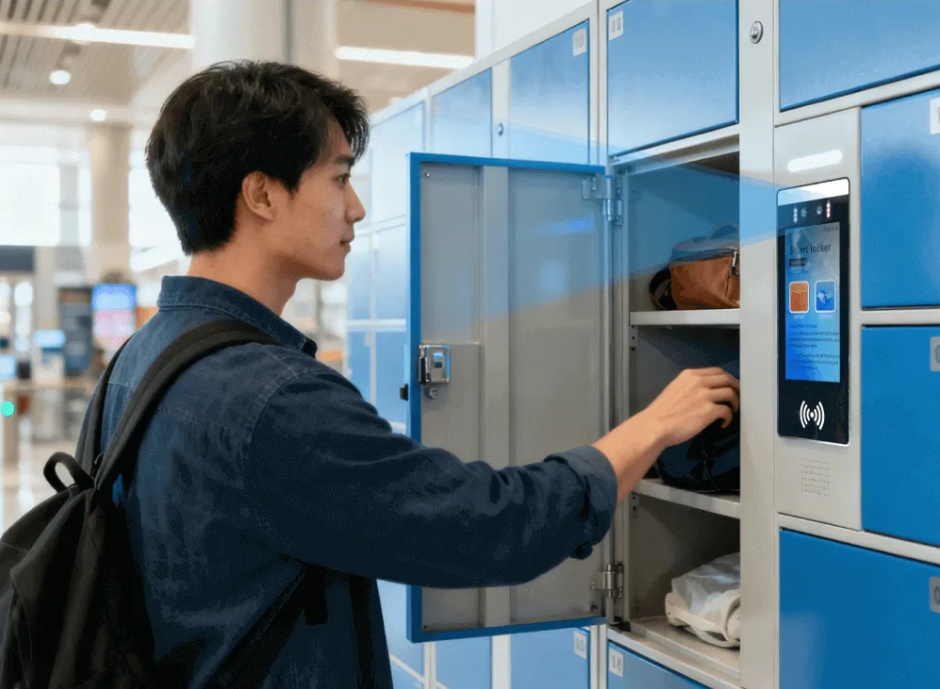
These environments often combine short visits, changing user populations, and high turnover. A public-facing locker system should make authentication clear, assign a compartment reliably, and give staff a practical way to clear exceptions. WR711’s face, QR, password, card, and fingerprint options can support different visitor preferences.
Fitness Centers and Recreation Facilities
Fitness facilities typically require fast repeat access for members and efficient locker administration. Multiple-compartment assignment can help staff or members who require separate storage areas. Operators should still validate the locker hardware and daily locker usage volume for the specific site.
Other High-Traffic Public Environments
For any additional public venue, the design team should confirm throughput, emergency access, controller compatibility, power backup, maintenance access, and data-retention rules.
Installation and Selection Checklist
Confirm the User and Locker Model
Separate enrolled users, temporary users, locker count, and daily transactions during planning. A 5,000-face starting capacity may be sufficient for one venue, while expansion to 20,000 can provide room for a larger membership base or multi-site growth.
Plan Authentication Fallbacks
Face recognition can provide a convenient hands-free authentication option for daily locker access. Fingerprint, QR code, password, and IC/ID card options can support users with different needs. The operator should define enrollment, credential recovery, temporary access, and lost-card procedures before launch.
Conclusion
The best face recognition locker system is the one that fits the complete storage workflow. Uniwin-Global’s WR711 combines biometric verification, alternative authentication, 5,000 facial template capacity expandable to 20,000 templates, 200,000 records, remote locker management, flexible numbering, and time-based or per-use charging. These functions provide operators with configurable authentication, locker assignment, and management options for smart locker applications in public facilities and commercial environments.
Looking for a reliable face recognition smart locker system for your facility?
Explore Uniwin-Global’s WR711 smart locker solution with biometric authentication, flexible locker management, and scalable user capacity for shopping malls, fitness centers, tourist attractions, and other public facilities. Contact our team to discuss your smart locker project requirements.
FAQ
Q: What is a face recognition locker system?
A: It is a shared-storage system that uses facial recognition to identify an enrolled user and connect that identity with a locker action. WR711 also supports fingerprint, QR code, password, and IC/ID card verification, allowing operators to offer alternative credentials for visitors, members, or service staff.
Q: Can WR711 support authentication methods besides facial recognition?
A: Yes. The verified specification lists fingerprint, QR code, password, and IC/ID card verification in addition to facial recognition. Liveness detection is also included. The operator can define which method is primary and which methods serve as fallback or temporary access credentials.
Q: How does a biometric smart locker system improve public storage management?
A: A biometric smart locker system improves storage management by linking user identity with locker access permissions. It can reduce the need for physical keys, simplify user verification, and help operators manage locker assignments, access records, and remote operations more efficiently in locations such as shopping malls, gyms, tourist attractions, and public facilities.